
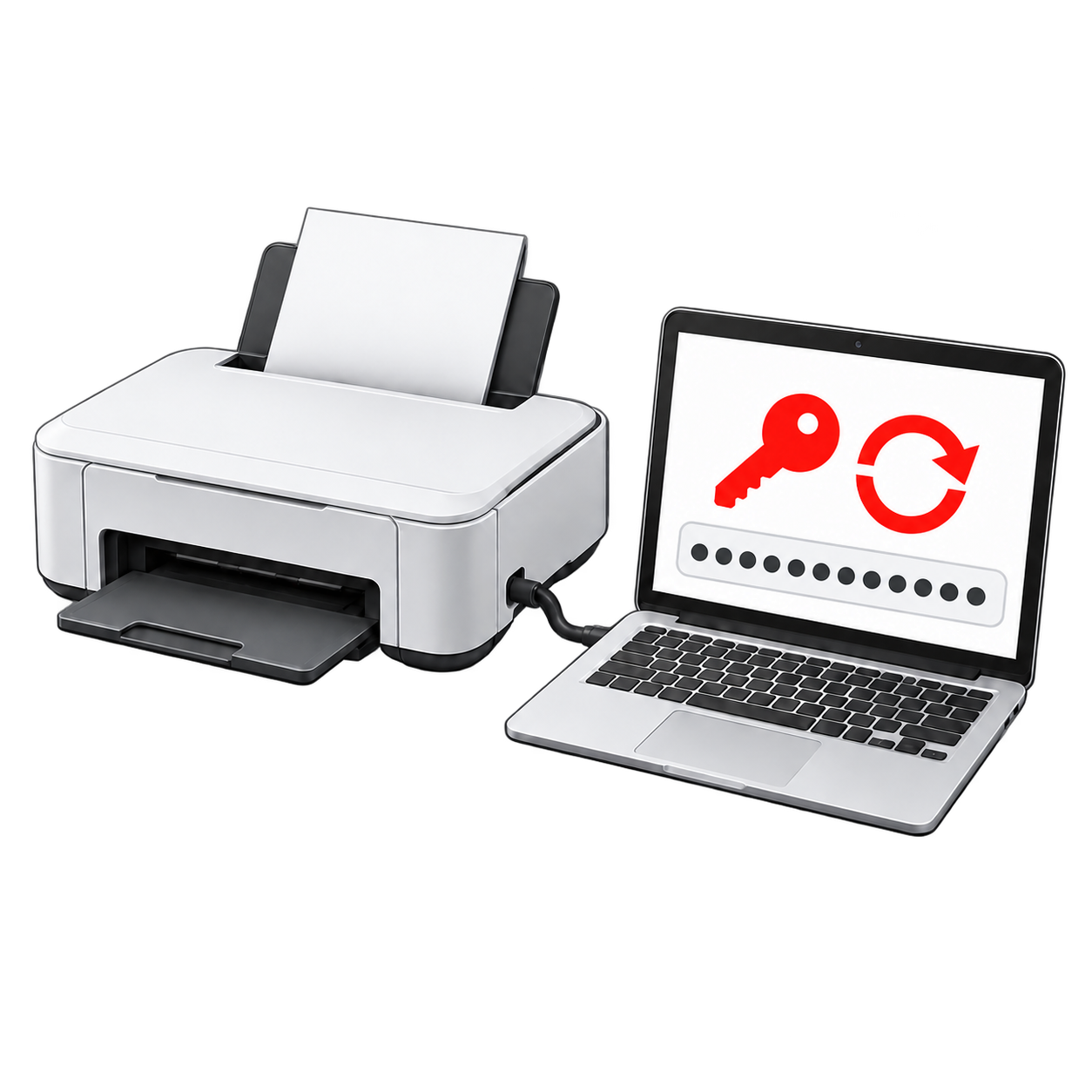
How it works
Download the program
Download the program for free, then install and open it on your computer.
Connect your printer
Connect it by USB or, if your model supports it, over a network. The program will guide you through the reset.
Reset the counter
Buy a key when you are ready. Enter it in the program to reset the waste ink counter.
Before you buy
- The key works with any supported model, but it can be used for one reset only. It does not expire.
- Keep your computer connected to the internet while completing the reset. You can connect the printer by USB or, on supported models, over a network.
- Your key is sent to the email address entered at checkout after your payment is confirmed. If you need help, contact us.
Resetting the software counter does not clean the physical waste ink absorber. Check its condition and replace it if it is saturated.
Questions about the reset key
How many times can I use the key?
One key can be used for one reset. During the reset, the program connects to the server and marks the key as used.
Is the key tied to one printer model?
No. You can use it with any model that supports this reset, but only once. Check your printer in the compatibility list.
How and when will I receive my key?
We send the key to the email address you provide at checkout after payment is confirmed. If you created an account, you can also find it in your order details.
Does the key expire?
No. You can use it when you are ready to reset the counter.
I paid but cannot find the email. What should I do?
First check your spam folder. If you have an account, look in Orders. Still cannot find it? Contact us and include your order number.
For connection and troubleshooting questions, visit our FAQ.