
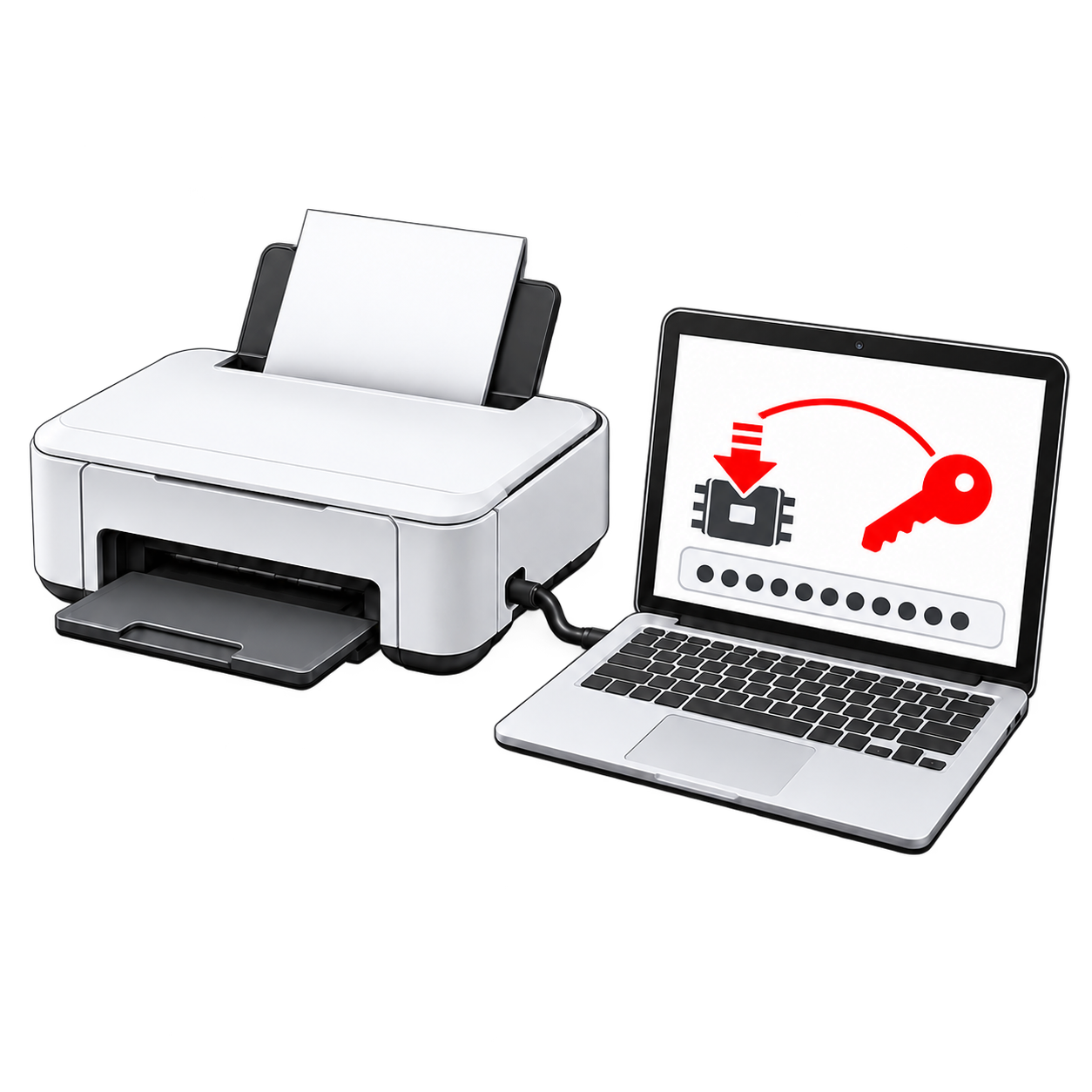
Why does the printer stop recognizing cartridges?

An Epson firmware update can change how the printer checks cartridge chips. Refillable cartridges or cartridges used with a continuous ink supply system (CISS) that worked before the update may no longer be recognized. The printer may show an “Ink Cartridges Not Recognized” warning and stop printing.
An update is one possible cause, not a diagnosis on its own. Loose or faulty cartridge chips can produce a similar warning. If the problem began after an update, check the cartridges first, then look at the firmware options available for your model.
Which firmware option do you need?
The available firmware functions depend on your printer model. The same firmware key product is used for either supported operation.
How it works
Download the program
Download the program for free, install it and check the available firmware functions for your printer model.
Connect and check
Connect the printer by USB. Use Printer Data → Check Firmware Version to see the installed version, then compare it with the options offered for your model.
Choose and enter the key
In Control → Firmware → Change firmware version, select the supported option you need. Enter your firmware key when the program asks for it and follow the on-screen instructions.
Before you buy
- Check the available function for your exact model. A firmware downgrade and a chipless installation are different operations; your model may support one, both or neither.
- If the printer no longer recognizes cartridges, check the available firmware options for your model. A firmware downgrade may restore cartridge compatibility, while chipless firmware allows printing without cartridge-chip recognition.
- Firmware changes require a USB connection and an internet connection on the computer. Back up the printer’s EEPROM in the program when that function is available.
- After payment is confirmed, your key is sent to the email address entered at checkout. If you are unsure which operation applies, contact us before buying.
If an update removed a previously installed chipless firmware version, a standard downgrade will not restore chipless operation. Confirm that Firmware version with disabled ink cartridges is available for your model. Changing firmware also does not reset the waste ink counter; that requires a separate reset key.
Video guides
Firmware downgrade
These examples show the downgrade procedure. The available firmware and controls can differ by model and program version.
Firmware downgrade in regular mode
Firmware downgrade in service mode
Chipless firmware installation
If your model supports chipless firmware, choose Firmware version with disabled ink cartridges in the program.
Questions about the firmware key
Do both firmware options work on every Epson printer?
No. Available operations depend on the exact model. Check its supported functions before buying.
Can a downgrade restore chipless firmware after an update?
No. A standard downgrade installs a supported standard firmware version. If you need chipless operation, check that your model supports Firmware version with disabled ink cartridges and select that option in the program.
How and when will I receive the key?
We send it to the email address you provide at checkout after your payment is confirmed. If you created an account, you can also find it in your order details.
Will this key reset the waste ink counter?
No. Firmware changes and waste ink counter resets are separate operations. For a counter reset, see the waste ink pad counter reset key.
What if I am unsure whether firmware caused the cartridge error?
Contact us with your exact printer model, current firmware version and the error you see. We can help you identify the relevant option before you buy.